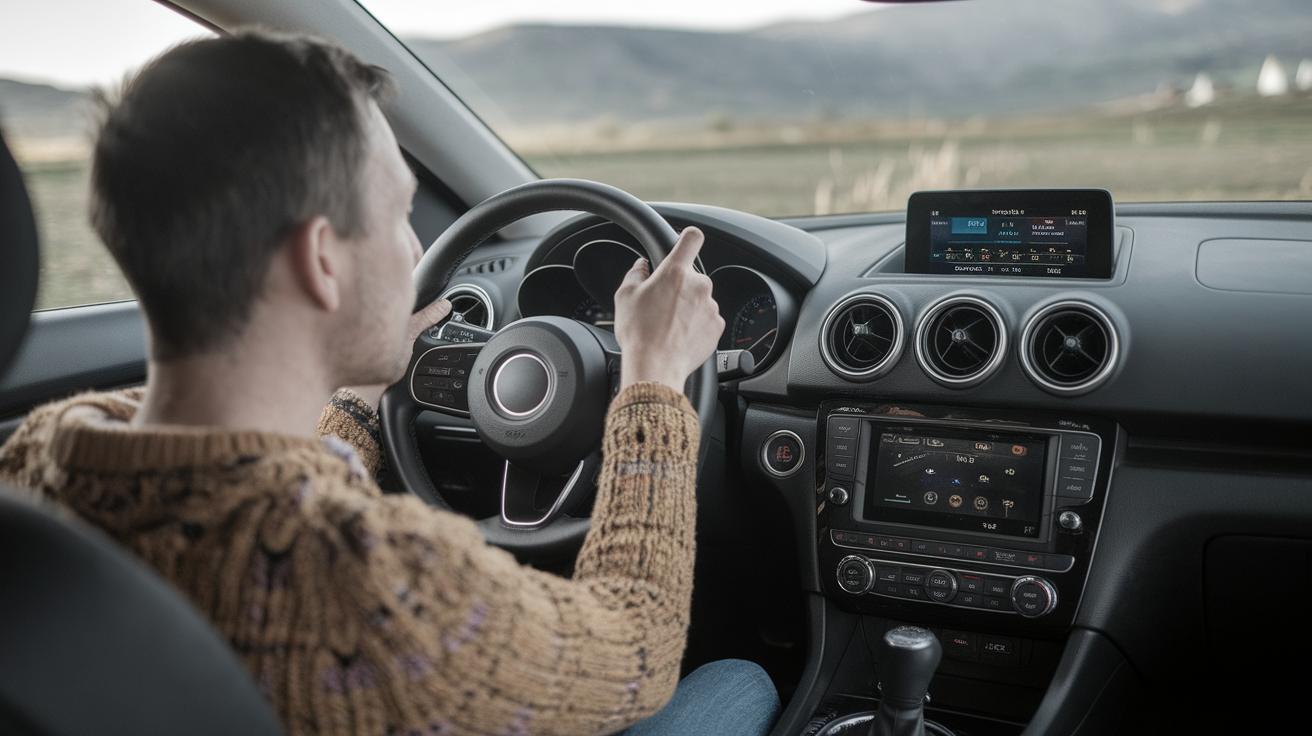
How to Add a Radio Station to Your Car
Today, our vehicles can serve as our next arenas of entertainment and connectivity, offering more than just a simple commute solution. With the advent and proliferation of digital streaming services and online radio, accessing diverse radio content has never been easier. Whether you’re looking to escape on a long drive or catch up on the latest podcasts, integrating online radio into your car’s audio system is an excellent way to enrich your driving experience. In this article, we’ll delve into four practical ways to listen to online radio in your car, explore compatibility options for popular infotainment systems, and offer guidance for those who choose to consult a specialist. Your car rides are about to get a melodious upgrade!
4 Ways To Listen to Online Radio In Your Car
Advancements in technology have revolutionized how we consume music and radio in our cars. Traditional FM/AM radios have taken a backseat as modern vehicles now offer a plethora of options to tune into online radio. Whether it’s via your smartphone, direct integration through infotainment systems, or other connectivity solutions, the variety ensures you can always enjoy your favorite broadcasts.
Understanding these options not only enhances the driving experience but also ensures you are utilizing all the modern amenities that your vehicle has to offer. In this guide, we’ll cover four main methods to bring online radio directly into your car, making your drives more enjoyable and connected.
1) Smartphone Bluetooth
One of the simplest ways to listen to online radio in your car is by pairing your smartphone with your car’s audio system via Bluetooth. Most modern vehicles are equipped with Bluetooth connectivity, which allows you to stream audio wirelessly from your device. This method not only provides clear sound quality but also ensures that you are free from tangled wires, offering convenience and ease of use.
To get started, ensure your smartphone’s Bluetooth is turned on, then follow your car’s instructions to pair the device. Once paired, you can use any of your favorite radio apps directly from your phone, and the sound will play through your car’s speakers. It’s worth noting that this method usually requires minimal setup time and leverages existing technology in your car, which makes it a preferred choice for many drivers.
2) Aux-in Cable
If Bluetooth connectivity isn’t available or you prefer using a wired connection, an Aux-in cable is a reliable alternative. This classic method involves connecting your phone to your car stereo via a 3.5mm audio cable. Most cars have an Aux input, allowing you to directly link any audio device, including smartphones.
While it doesn’t offer the wireless advantage, the Aux-in cable provides a stable connection and high-quality audio output without any dropouts. You simply need to select the Aux input source on your car’s stereo system and start the radio app on your phone. This method is particularly useful for older vehicles that might not support Bluetooth streaming.
3) Car Infotainment System Apps
Many modern vehicles come equipped with advanced infotainment systems that have integrated apps for streaming radio. These systems often have pre-installed apps or downloadable options via their respective app services. Brands like Ford, GM, and Toyota frequently offer access to a variety of these services, allowing drivers to enjoy internet radio without the need for additional devices.
Using your car’s infotainment system can often provide the best integration, as the system is designed to work seamlessly with your car’s controls and audio hardware. However, the availability of apps can vary depending on the vehicle model and system updates. Always check your vehicle manufacturer’s website or updates frequently to explore new app additions.
4) Android Auto or Apple CarPlay
Both Android Auto and Apple CarPlay are powerful platforms that integrate your smartphone’s functionality with your car’s infotainment system, providing an all-in-one solution for accessing online radio. They offer an intuitive interface that displays a simplified version of your phone’s essential apps directly on the car’s dashboard screen.
Android Auto Compatibility
Android Auto compatibility depends on both your vehicle’s head unit and your smartphone. Most cars manufactured in recent years come with built-in compatibility, and you can also use aftermarket head units that support Android Auto. Ensure your phone is running Android 6.0 (Marshmallow) or higher and that the latest version of the Android Auto app is installed.
CarPlay Compatibility
CarPlay compatibility functions similarly, reserved for iPhone users with models that are iPhone 5 and newer. As with Android Auto, it requires a compatible vehicle or head unit. Checking your car’s user manual or manufacturer’s website will confirm compatibility, offering a seamless transition from your phone to car dashboard experience.
Using Android Auto or CarPlay To Listen to Online Radio
Once you have confirmed compatibility and connected your smartphone to the car via USB or wireless (if supported), accessing online radio through either of these platforms is straightforward. You simply tap on a radio app icon, and you can begin streaming from popular services like iHeartRadio, TuneIn, or any other radio app available on your device.
Talk to a Radio Specialist
While the methods mentioned are straightforward, technology evolves rapidly, and sometimes issues might arise that require professional insight. If you’re having difficulty setting up your car’s audio system with online radio, seeking the expertise of a radio specialist is advisable.
Get sound advice from experts by booking a one on one demo.
Specialists can offer tailored advice and demonstrate how to optimize your car audio system for the best possible sound quality. This individualized attention ensures that you’re leveraging the full capabilities of your system, whether it means suggesting specific equipment or resolving technical glitches.
To Round Up
Upgrading your car’s entertainment system to include online radio is no longer a daunting task thanks to the plethora of options tailored to fit various preferences and vehicle models. Whether utilizing a simple Bluetooth connection, a sturdy Aux cable, the sophisticated infotainment apps, or leveraging platforms like Android Auto and Apple CarPlay, there’s a convenient solution for every driver.
For those seeking expert guidance, radio specialists offer valuable insights and assistance, ensuring you get the optimal setup for your car. Happy listening, and enjoy the journey with harmonious drives!
| Method | Pros | Cons |
|---|---|---|
| Smartphone Bluetooth | Wireless, Easy to setup, Utilizes existing car features | Dependent on Bluetooth connectivity, May require frequent re-pairing |
| Aux-in Cable | Stable connection, High-quality sound | Wired connection, May clutter console |
| Car Infotainment Apps | Seamless integration, No need for additional devices | Varies by model, Requires frequent updates |
| Android Auto/Apple CarPlay | Intuitive interface, Consolidated app access | Requires compatibility, Potential extra cost for aftermarket units |