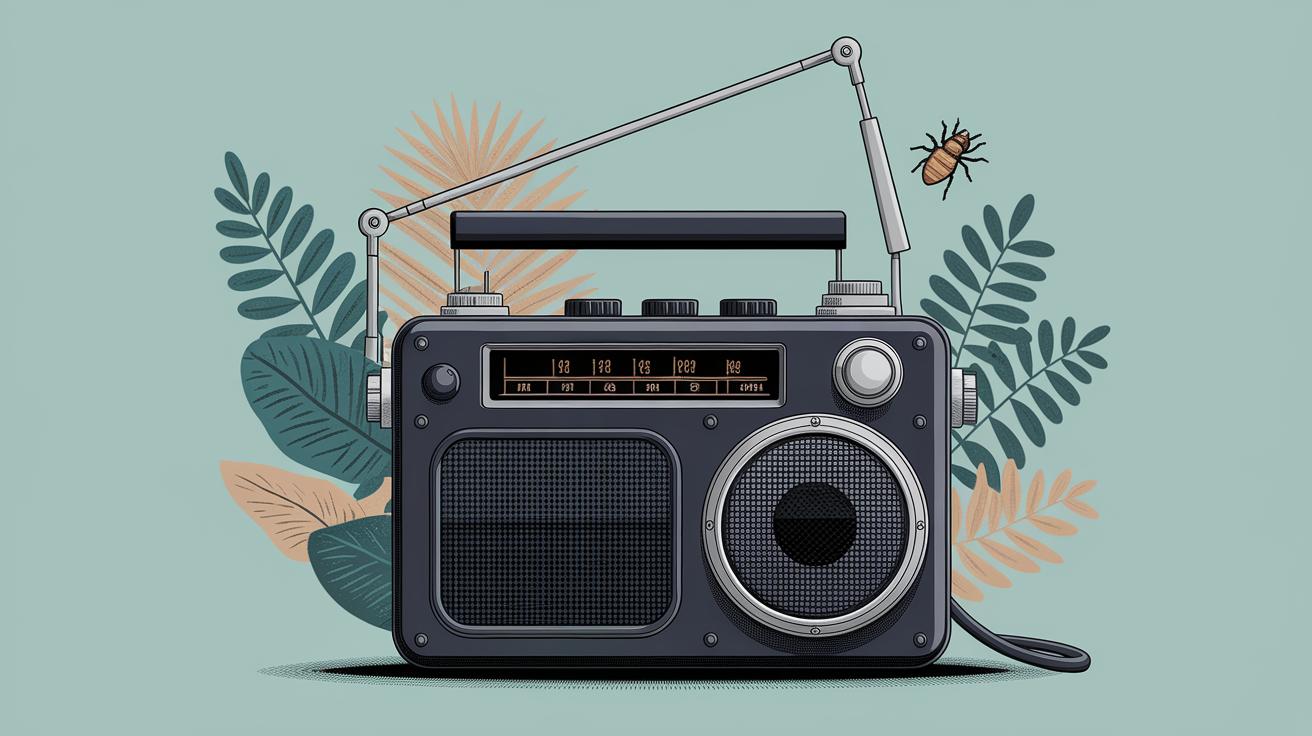
Starting a Radio Station: A Comprehensive Guide
Starting a radio station can seem like a daunting task, especially with the myriad of technical and equipment options available. This guide will walk you through the essential components needed to launch your station, from choosing between Mac and PC to setting up your broadcasting software, and ultimately, selecting the ideal equipment for your needs. We’ll explore different levels of setups, from basic to professional, to accommodate various budgets and aspirations. Our mission is to demystify the process, equipping you with the knowledge to make informed decisions on how to get your station off the ground.
## Mac vs PC
The decision to use a Mac or PC for your radio station can significantly impact your workflow and the overall performance of your broadcasts. Macs are often favored for their reliability, ease of use, and strong performance with creative applications. Their sleek design and stable operating system are attractions for many broadcasters who prefer a seamless experience.
On the other hand, PCs offer more flexibility and customizability, often at a lower cost. They boast a wider range of compatible software and hardware options, making it easier to find components that fit your specific needs. PCs also tend to offer better hardware specifications for the price, which can be advantageous for those needing powerful machines to handle demanding broadcasting software.
## Basic Setup
### Microphones
Selecting the right microphone is pivotal in ensuring clear and professional-quality sound. In a basic setup, USB microphones are often recommended due to their affordability and ease of use. They do not require additional equipment, allowing new broadcasters to plug and play without extensive setup. Popular USB microphones include the Blue Yeti and Audio-Technica ATR2100x, both known for their sound clarity and quality.
While USB microphones are convenient, investing in a good dynamic or condenser microphone can elevate your audio quality significantly. These microphones are designed to capture nuanced sounds, making them ideal for vocal clarity in radio settings.
### Stand & Shockmount
A microphone stand and shockmount help ensure that your microphone remains stable and absorbs vibrations that can cause unwanted noise during your broadcast. While some USB microphones come with a desktop stand, investing in a more adjustable stand provides better positioning flexibility.
Compatible shockmounts can further isolate your mic from vibrations, improving sound quality by preventing noise from movements or impacts on your desk. A simple yet effective combination of a stand and shockmount is essential for any level of radio station.
### Headphones
Quality headphones are crucial for monitoring sound levels and ensuring audio clarity during broadcasts. Closed-back headphones are particularly recommended as they minimize sound leakage, helping you focus on the audio playback without external noise interference.
Some popular choices include the Sennheiser HD280 Pro and the Audio-Technica ATH-M40x, both of which offer excellent sound isolation and comfort for extended wear. Ensuring comfort is key for long broadcasting sessions and maintaining focus during live shows.
## Broadcasting Software
The right broadcasting software is the backbone of your radio station, facilitating live broadcasts and recordings. Options such as SAM Broadcaster, Mixxx, and RadioBOSS offer user-friendly interfaces and robust features suitable for various broadcasting styles and needs.
When selecting software, consider your station’s format and feature needs. For instance, you may require capabilities for live mixing, scheduling, and DJ training, all of which vary across platforms. Exploring free trials can help determine the software that’s most compatible with your workflow.
## Advanced Setup
### Audio Interface
An audio interface is vital for professional-quality recordings, serving as an intermediary between your microphone and computer to convert analog signals to digital. They allow for greater control over sound quality and reduce latency compared to direct USB connections.
Interfaces like the Focusrite Scarlett 2i2 and Behringer UMC22 are cost-effective options for enhancing sound capture precision, offering cleaner and more nuanced audio for your broadcasts.
### Microphone Processor
A microphone processor can further optimize audio quality by enhancing vocal dynamics and minimizing background noise. Compressors and equalizers are common in processors, helping broadcasters achieve a polished and broadcast-ready sound.
While processors like the dbx 286s may require some technical understanding to operate, their ability to significantly improve voice clarity and consistency makes them worthwhile for any serious broadcaster.
### Microphone
At this stage, upgrading to an XLR microphone can drastically improve sound quality. These microphones, when paired with a quality audio interface, offer superior audio fidelity and greater control over the sound profile.
Notable XLR microphones like the Shure SM7B and Rode NT1 have become industry standards for broadcasting due to their robust sound capture and durability, making them valuable investments for your station.
## Professional Setup
### Broadcasting Desk
For a professional setup, investing in a broadcasting desk can streamline operations and bring a touch of professionalism to your studio space. These desks often come equipped with integrated mixers and enhanced controls tailored to broadcasting needs.
Customized desks allow for optimal equipment organization, bringing efficiency and aesthetics together for a more conducive broadcasting environment.
### Boom Arm
A boom arm enhances microphone positioning by offering flexibility and stability, essential for maintaining consistent audio levels. This is particularly beneficial for active broadcasting setups where manual adjustment during sessions is required.
Sturdy options like the Heil Sound PL-2T provide ease of movement and positioning, ideal for seasoned broadcasters seeking smooth operation and versatility during live sessions.
### Microphone
At a professional level, your microphone choice should reflect your commitment to the highest audio standards. Premium XLR microphones such as the Neumann TLM 103 offer exceptional clarity and dynamic range.
Invest in microphones designed for nuanced audio capture, ideal for podcasts or radio shows that prioritize vocal quality. The precision offered by these devices is unparalleled in delivering studio-quality sound.
### Headphones
Upgrading to professional-grade headphones maximizes your audio monitoring capabilities. Open-back headphones like the Beyerdynamic DT 1990 Pro offer balanced sound and exceptional comfort, making them suitable for critical listening and sound design.
These headphones provide an immersive listening experience, essential for detailed audio assessment and quality control during broadcasts.
## What Equipment Will You Choose For Your Radio Station?
Choosing the right equipment for your radio station depends on your goals, budget, and the level of professionalism you wish to achieve. It’s crucial to balance quality with affordability, ensuring you have the necessary tools to produce high-caliber broadcasts.
Whether you’re starting with a basic setup or aiming for a professional studio, each component plays a vital role in your station’s success. Consider your future needs and choose equipment that can grow with your broadcasting ambitions. As you embark on this journey, remember that the key to a successful radio station lies in the harmony of technology, creativity, and passion.
| Setup Level | Key Components |
|---|---|
| Basic Setup | USB Microphone, Stand & Shockmount, Headphones |
| Advanced Setup | Audio Interface, Microphone Processor, XLR Microphone |
| Professional Setup | Broadcasting Desk, Boom Arm, Premium Microphone, Professional Headphones |